
Answer Capsule
Bay Alarm Medical is a good fit for Cellular Home Monitoring, not a perfect one. Five of the seven configured platforms named it during the ranking stage, and all seven that evaluated it rated the fit good or strong. The strongest reason to consider it is the SOS Home Cellular: a plug-in 4G LTE base station on AT&T or Verizon, a wearable help button, a stated 32-hour backup battery, optional fall detection, and no long-term contract. The main limitation is that published pricing is inconsistent across Bay Alarm's own pages, and address-level cellular coverage, equipment-return obligations, and final checkout totals all need verification before purchase.
Research Snapshot
| Field | Detail |
|---|---|
| Platform mentions in ranking stage | 5 of 7 configured platforms (anthropic, deepseek, google, grok, openai) |
| Share of included platform responses | 71.4% |
| Average listed rank | 2.2 |
| Best listed rank | 1 (deepseek, google, grok) |
| Relevant product/model/plan | SOS Home Cellular / SOS In-Home Cellular, AT&T or Verizon 4G LTE, with one wearable help button and optional Auto Fall Detection |
| Overall use-case fit | Good — all seven platforms that evaluated fit rated it good or strong |
| Research date | 2026-11-10 |
What Changed Since September 2026
Bay Alarm Medical moved down from No. 1 to No. 3, and platform mentions decreased from 7 to 5. The November 2026 review keeps Bay Alarm Medical as a good fit for landline-free cellular home monitoring, but describes the offering and its limits with more specificity. Buyers now see the base station's button range given as roughly 800 to 1,000 feet, with fall detection and no long-term contract still the core selling points. Reported pricing remains split: the review newly reports $77.85 for quarterly billing, while a $27.95/month starting price is no longer repeated. Coverage dependence, battery-duration conflicts, and equipment-return obligations remain the main cautions, so the practical buying advice is largely unchanged. Differences between the two editions reflect what each article reports; they do not by themselves prove that the product, service, or price changed.
The September 2026 review preserves the earlier article for reference.
Why Bay Alarm Medical Qualified for This Study
Questions This Section Answers
- How many AI platforms named Bay Alarm Medical for cellular home monitoring, and does that make it a leading option?
- Why did Bay Alarm Medical rank first on some platforms but sixth on another for cellular home monitoring?
Bay Alarm Medical qualified because five of the seven configured platforms named it during ranking discovery, a 71.4% share, with an average listed rank of 2.2 and a best rank of 1 [17]. Three platforms placed it first: deepseek, google, and grok. OpenAI ranked it second and Anthropic sixth. All seven platforms that produced a fit assessment rated the entity good or strong for this use case, including the two that did not name it in the ranking stage.
The spread between first and sixth place is explained by what each platform emphasized. Platforms that ranked it first leaned on the dedicated cellular home plan, month-to-month terms, and optional fall detection [21]. Anthropic's sixth-place ranking came with a "good" fit rating and heavier weight on coverage dependency and the extra cost of fall detection [36]. The ranking position reflects platform emphasis, not a measured quality difference.
The Product, Model, Plan, or Service Most Relevant to Cellular Home Monitoring
Questions This Section Answers
- Which Bay Alarm Medical plan should a senior replacing a landline choose for in-home cellular monitoring?
- Is the SOS Home Cellular system the right Bay Alarm Medical product for an apartment or condo without a landline?
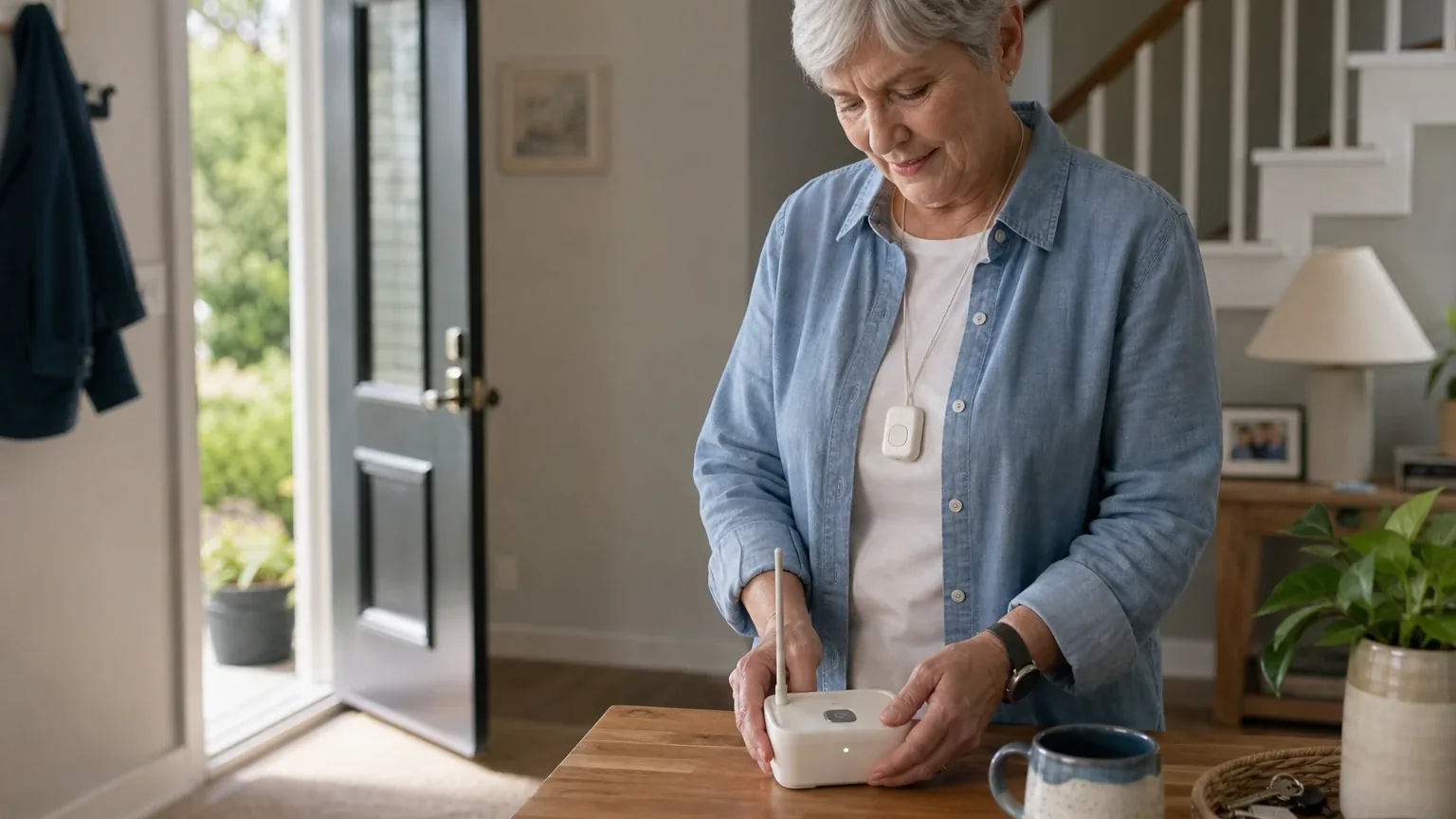
The relevant product is the SOS Home Cellular, also sold as the SOS In-Home Cellular. It is a plug-in base station with two-way voice, one wearable help button worn as a pendant or wristband, and optional Auto Fall Detection [22]. The base station runs on AT&T or Verizon 4G LTE, and the buyer does not need an AT&T or Verizon consumer account [17].
This is the correct Bay Alarm product for a landline-free apartment or condo. The company's mobile products, SOS Mobile and SOS All-In-One 2, are for protection away from home and are a different purchase decision [20]. The in-home cellular unit is designed for a residence where the wearer stays within roughly 800 to 1,000 feet of the base station [17].
What the AI Platforms Agreed About
Questions This Section Answers
- What do AI platforms agree on about Bay Alarm Medical's SOS Home Cellular for landline-free homes?
- Do AI platforms agree that Bay Alarm Medical's cellular system is easy to set up without a landline?
Agreement was strong on five points. First, the system needs no landline, smartphone, or separate cellular plan; service is bundled into the monitoring subscription [17]. Second, setup is simple: plug the base station into an outlet, switch it on, confirm the signal indicator, and range-test the button [22]. Third, the wearable button reaches roughly 800 to 1,000 feet from the base station [17]. Fourth, fall detection is optional and costs extra [10]. Fifth, there is no long-term contract and no stated cancellation fee, though equipment must be returned [17].
Platforms also broadly agreed on monitoring quality claims: 24/7 U.S.-based monitoring, UL-Listed and CSAA Five Diamond certified centers in Utah and Idaho, and response times reported between roughly 10 and 45 seconds depending on the source and device [21]. These are company statements and platform-reported test results, not independently verified here.
Where the AI Platforms Disagreed or Were Uncertain
Questions This Section Answers
- Why do AI platforms list different monthly prices for Bay Alarm Medical's SOS Home Cellular plan?
- Is Bay Alarm Medical's base-station backup battery 30, 32, or 36 hours for cellular home monitoring?
Pricing is the largest conflict. OpenAI's review of the official storefront lists $25.95 per month, or $77.85 quarterly and $311.40 annually, with Auto Fall Detection at $10 per month plus a $30 one-time device cost [10]. Anthropic, grok, perplexity, and kimi all cite $34.95 per month base and $44.95 with fall detection [36]. Google reports a $29.95 to $34.95 range depending on promotion [37]. Bay Alarm's own pricing page also advertises a $27.95 starting price [17]. These figures cannot all be current for the same order, and the buyer should treat the checkout quote as authoritative.
Backup battery duration is also inconsistent. OpenAI and Anthropic cite a stated 32-hour base-station backup [17]; kimi cites 30 hours from an industry source [29]; google reports 32 to 36 hours [37]; perplexity found no published runtime at all [19]. The 32-hour figure has the most company-side support, but real runtime under weak signal or heavy use is unestablished.
Other open items: the supplied official website is bayalarm.com while the product, storefront, and FAQ pages sit on bayalarmmedical.com, and that relationship should be confirmed [13]. Whether the base unit is leased, included permanently, or subject to replacement charges is not clearly stated in the cited materials [25]. Trial length is reported as both 15 and 30 days [5]. One platform's official-site retrieval reportedly failed during ranking, so its product naming should be confirmed on the live site [13].
Use-Case-Specific Features and Capabilities
Questions This Section Answers
- Does Bay Alarm Medical's 1,000-foot button range cover a typical apartment or condo for cellular home monitoring?
- How does Bay Alarm Medical's fall detection work on the cellular in-home system, and what are its limits?
Cellular coverage is the gating factor. The system uses AT&T or Verizon 4G LTE, and Bay Alarm instructs users to place the base unit where signal is strong and recommends the landline version in weak-signal areas [17]. One review notes the cellular unit should sit near a window for best signal [9]. The base station announces its connection status audibly, for example "LTE, five bars" [9]. No platform supplied a published signal-strength threshold or an address-specific coverage guarantee.
Setup is plug-and-play: connect to an unswitched outlet, power on, wait for the ready indication, then range-test each button around the residence [22]. Range is stated at 800 to 1,000 feet, which one reviewer describes as about three football fields and more than enough for a house or backyard [17]. Building construction and interference can reduce actual range, so testing matters.
Fall detection uses a separate pendant that senses a sudden downward movement followed by lack of movement. Bay Alarm warns false alarms can occur and advises pressing the button when able [22]. One independent tester reported reliable registration even on carpet [6]. The fall-detection button battery is stated at up to two years, versus up to five years for the standard help button [17].
The core limitation is home-only coverage. The system does not provide protection away from the residence; Bay Alarm points buyers to SOS Mobile or SOS All-In-One 2 for that [20]. Two-way voice comes through the base station, not the pendant, so the wearer must be within hearing distance of the console [27].
Pricing, Fees, Contracts, and Ongoing Costs
Questions This Section Answers
- Is Bay Alarm Medical's SOS Home Cellular worth it at $34.95 per month compared with the $25.95 storefront price?
- What does fall detection actually add to the monthly cost of Bay Alarm Medical's cellular home plan?
- What are Bay Alarm Medical's cancellation and equipment-return terms for the SOS Home Cellular plan?
The most frequently cited price is $34.95 per month for SOS Home Cellular and $44.95 with fall detection, with a $10 monthly fall-detection add-on and roughly $30 one-time device fee [36]. The official storefront reviewed by OpenAI lists $25.95 monthly, $77.85 quarterly, or $311.40 annually, with a displayed free-month promotion [10]. Google reports $29.95 to $34.95 depending on promotion [37]. Buyers should confirm the final recurring rate after any promotion ends.
Additional costs reported across platforms include shipping of roughly $0 to $15, an optional warranty plan at $2.95 to $4.95 per month, extra emergency buttons at about $35 each, an optional lockbox at $30 to $35, and extra fall-detection buttons at $15 per month each [36]. A spouse pendant may carry an equipment fee without adding a second monitoring charge [17]. Local false-alarm fees from emergency services are outside Bay Alarm's control [17].
Contract terms are consistently described as month-to-month with no long-term contract and no cancellation fee [19]. Cancellation is not complete until leased equipment is returned and processed, and the company recommends returning it by or before the next billing date [17]. Refunds are described as unused months less shipping, with a 15-day refund window in one source and a 30-day trial in another [5]. One review notes minor billing and return hiccups that are resolvable by reading the fine print [23].
Best Suited For
Questions This Section Answers
- Who gets the most value from Bay Alarm Medical's SOS Home Cellular for landline-free in-home monitoring?
The best fit is a senior who stays mainly at home in an apartment, condo, or modern household where AT&T or Verizon LTE is reliable at the planned base-station location [17]. It suits someone who wants a simple pendant or wristband rather than a smartphone, values month-to-month flexibility, and wants a long stated backup battery for outages [9]. It also suits households that want fall detection available as an add-on rather than bundled [6]. Buyers who can verify signal and accept the return obligation before signing up get the cleanest experience.
Probably Not Best Suited For
Questions This Section Answers
- Is Bay Alarm Medical a poor choice for a senior who needs protection outside the home?
- Should a buyer skip Bay Alarm Medical if they need medication reminders or caregiver app features?
It is a weaker choice for anyone who routinely needs protection away from home, since the in-home system is range-bound to the base station [20]. It is also weaker for homes with weak or inconsistent AT&T and Verizon signal at the base-station location, where the company itself points to the landline version [18]. Buyers who want medication reminders, fitness tracking, or broader smart-home features will not find them here [18]. And buyers unwilling to verify the exact current rate, fall-detection charge, and return requirements should look elsewhere or delay.
When Another Option May Be Better
Questions This Section Answers
- When is a mobile GPS system a better choice than Bay Alarm Medical's in-home cellular plan?
- When should a buyer choose a different provider instead of Bay Alarm Medical for cellular home monitoring?
A mobile GPS system, including Bay Alarm's own SOS Mobile or SOS All-In-One 2, is better when the senior regularly leaves home alone [20]. A different provider or the landline version is better when the residence has unreliable AT&T and Verizon coverage [17]. Buyers who want fall detection bundled into the base plan, transparent equipment ownership, or a different fall-detection design should compare other providers [18]. Cost-sensitive buyers should also compare, since the lowest published in-home cellular price here is not the cheapest in the market [21]. For a broader view of how this system stacks up against alternatives, see the Cellular Home Monitoring consensus index.
Questions to Verify Before Buying
Questions This Section Answers
- What should a buyer confirm with Bay Alarm Medical about cellular coverage before ordering the SOS Home Cellular plan?
- What pricing and equipment-return details should a buyer confirm before signing up for Bay Alarm Medical?
Confirm which network, AT&T or Verizon, will be assigned to the exact address, and whether Bay Alarm can test signal at the planned base-station location [17]. Confirm the final recurring price after any promotion and whether it includes all cellular monitoring charges [10]. Confirm whether fall detection is $10 per month plus a $30 device fee for this order and whether that fee recurs per button [10]. Confirm whether the base unit is leased, included, or subject to nonreturn or damage charges [25]. Confirm the expected backup runtime at the address and the actual indoor and outdoor button range in the building [17]. Confirm the response protocol, whether 911 or listed caregivers are contacted first, and what happens if the system cannot reach the network [17]. Finally, confirm all return-label, prorating, and early-billing charges at cancellation [5].
Final AI Consensus Verdict
The consensus is a conditional yes. All seven platforms that evaluated fit rated Bay Alarm Medical good or strong for Cellular Home Monitoring, and five named it in the ranking stage with an average rank of 2.2 and a best rank of 1 [17]. The strongest decision factors are simple setup, two-way communication, optional fall detection, a stated 32-hour backup battery, and no-contract cancellation. Purchase confidence should stay conditional until the buyer verifies address-specific coverage, the exact checkout price, equipment-return obligations, and the final cancellation and refund terms. Platform agreement reflects shared source material, not proof of product quality.
How This Review Was Produced
This report evaluates Bay Alarm Medical only for the Cellular Home Monitoring use case, defined as landline-free in-home emergency monitoring for seniors and caregivers in U.S. apartments, condos, and modern households. Seven configured platforms produced fit research: anthropic, deepseek, google, grok, kimi, openai, and perplexity. Five named the entity during ranking discovery. Each platform's product, pricing, and feature findings were compared, and conflicts were preserved rather than resolved. Company-owned sources were separated from independent reviews. Citations are platform-reported evidence and were not independently verified by the writer stage. For the wider category, see the medical alert systems directory.
Methodology Limitations
Platform-reported research dates differ from the authoritative run date of 2026-11-10; deepseek reported 2026-06-01, and those dates are provenance metadata that do not independently prove freshness. Deepseek's research ran with search disabled, so its claims are platform-reported and require verification. One platform's official-site retrieval reportedly failed during ranking, and a product-labeled company mention was merged using matching company-name and domain signatures. The supplied URLs were collected from platform responses and were not independently validated. Pricing, battery duration, trial length, and equipment-ownership terms conflict across sources and were not resolved by guessing. No platform supplied an address-specific coverage guarantee or a published signal-strength threshold. Platform agreement does not establish product quality, and no personal testing, customer experience, or medical benefit is claimed here.
Sources
Company-Owned Sources
- AC Home Cellular – Alert Care Medical: https://alertcaremedical.com/product/ac-home-cellular/
- CSA - SOS In-Home Cellular: https://shop.bayalarmmedical.com/csa-in-home-cellular-advantage
- Bay Alarm Medical — Medical Alert Systems: https://www.bayalarm.com/
- Medical Alert Systems for Seniors: https://www.bayalarmmedical.com/
- How to Cancel Your Bay Alarm Medical Medical Alert Subscription: https://www.bayalarmmedical.com/cancellations/
- How do Medical Alert Systems Work? FAQs: https://www.bayalarmmedical.com/frequently-asked-questions/
- Award-Winning Medical Alert Systems for Seniors: https://www.bayalarmmedical.com/medical-alert-system/
- Personal Emergency Response System - Bay Alarm Medical: https://www.bayalarmmedical.com/medical-alert-system/in-home/
- SOS Mobile: GPS Mobile Medical Alert System: https://www.bayalarmmedical.com/medical-alert-system/sos-mobile/
- Medical Alert Costs: https://www.bayalarmmedical.com/pricing/
- SOS In-Home Cellular Medical Alert System User Guide: https://www.bayalarmmedical.com/wp-content/uploads/2025_BAM_In_Home_Cellular_User_Guide.pdf
- At-Home Cellular | Medical Alert Device | LifeFone: https://www.lifefone.com/at-home-cellular
- MGHome Cellular - Medical Alert System | Medical Guardian: https://www.medicalguardian.com/medical-alert-systems/cellular-home-alert
- Classic Cellular Medical Alert System | No Landline | MobileHelp: https://www.mobilehelp.com/products/in-home-medical-alert-system
Independent Sources
- Bay Alarm Medical Review 2026: Reliable Medical Alert Systems for Seniors | BestGuide: https://bestguide.com/review/bay-alarm-medical/
- Bay Alarm Medical Medical Alert System Review 2026: SOS Mobile: https://medalertguide.com/bay-alarm-medical-medical-alert-review/
- Bay Alarm Medical Review 2026: Is It Worth It? Our Verdict: https://medicalalertreview.com/bay-alarm-medical-review
- Medical Alert Cancellation Policies (2026: https://medicalalertreview.com/medical-alert-cancellation-policies
- Bay Alarm Medical Medical Alert System Review 2026: https://realestate.usnews.com/home-services/medical-alert-system/bay-alarm-medical
- Best Medical Alert Systems 2027: Staff Tested and Reviewed: https://realestate.usnews.com/home-services/medical-alert-system/best-medical-alert-system
- Best Medical Alert Systems With Fall Detection: https://realestate.usnews.com/home-services/medical-alert-system/fall-detection
- Bay Alarm Medical Review 2026: Hidden Costs and Real Response Times: https://seniorsite.org/resource/bay-alarm-medical-review-2026-hidden-costs-and-real-response-times/
- Best Medical Alert Systems (2026): 6 Options Compared on Real Cost: https://steadyage.com/best-medical-alert-systems/
- Medical Guardian vs Bay Alarm Medical (2026): Prices & Features Compared: https://steadyage.com/medical-guardian-vs-bay-alarm-medical/
- Bay Alarm Medical Review: Pros and Cons: https://www.cnet.com/health/medical/bay-alarm-medical-review/
- Best Medical Alert Systems for Seniors: https://www.cnet.com/health/medical/best-medical-alert-systems/
- Bay Alarm Medical Reviews from Real Customers: https://www.consumeraffairs.com/age/bay-alarm-medical.html
- Bay Alarm Medical Review — Pricing and Plans: https://www.consumeraffairs.com/health/bay_alarm_medical.html
- Bay Alarm SOS Home System Review: Tried And Tested - Forbes: https://www.forbes.com/health/healthy-aging/bay-alarm-medical-review/
- Medical Alert Home System | No Landline Needed | 24/7 Help: https://www.medicalalert.com/product/home-system-cellular/
- Bay Alarm Medical Review: https://www.medicalalertadvice.com/reviews/bay-alarm-medical/
- Bay Alarm Medical Review in 2026: https://www.ncoa.org/product-resources/medical-alert-systems/bay-alarm-medical-review/
- Bay Alarm Medical In-Home Medical Alert Review: https://www.pcmag.com/reviews/bay-alarm-medical-in-home-medical-alert
- Bay Alarm Medical SOS Home Review: https://www.pcmag.com/reviews/bay-alarm-medical-sos-home
- Bay Alarm Medical Alert Systems Cost & Packages: https://www.safehome.org/medical-alert-systems/bay-alarm-medical/
- Bay Alarm Medical Cost and Monthly Pricing in 2026 - SeniorLiving.org: https://www.seniorliving.org/medical-alert-systems/bay-alarm-medical/costs/
- Best Cellular Medical Alert Systems in 2026: https://www.seniorliving.org/medical-alert-systems/best/without-landline/
- The 3 Best Cellular Medical Alert Systems, Tested by Caregivers: https://www.theseniorlist.com/medical-alert-systems/best/cellular/
- Bay Alarm Medical Medical Alert System Review 2026: https://www.usnews.com/360-reviews/services/medical-alert-system/bay-alarm-medical
Verify This Research
Review the study details behind this page or download the public machine-readable verification record.
- Study date
- November 10, 2026
- Platforms analyzed
- 7
- Source records
- 40
- Ranking mentions
- 5 of 7
- Platform share
- 71%
- Final consensus rank
- #3
Research trail and source mix
Configured platforms
openai, anthropic, deepseek, grok, perplexity, kimi, google
Source mix
25 independent · 15 company-owned
Evidence support
33 direct · 7 partial
Important limitation
Use the run research_date as the study date. Platform-reported dates are provenance metadata and do not independently prove freshness.
Source snapshot SHA-256 d0a15a0bc126289d86c8aed5571d614462178723ac22a9975632de0bdc41c1d8
Archived editions
Browse earlier published research snapshots for this article. The latest edition remains at the current URL.